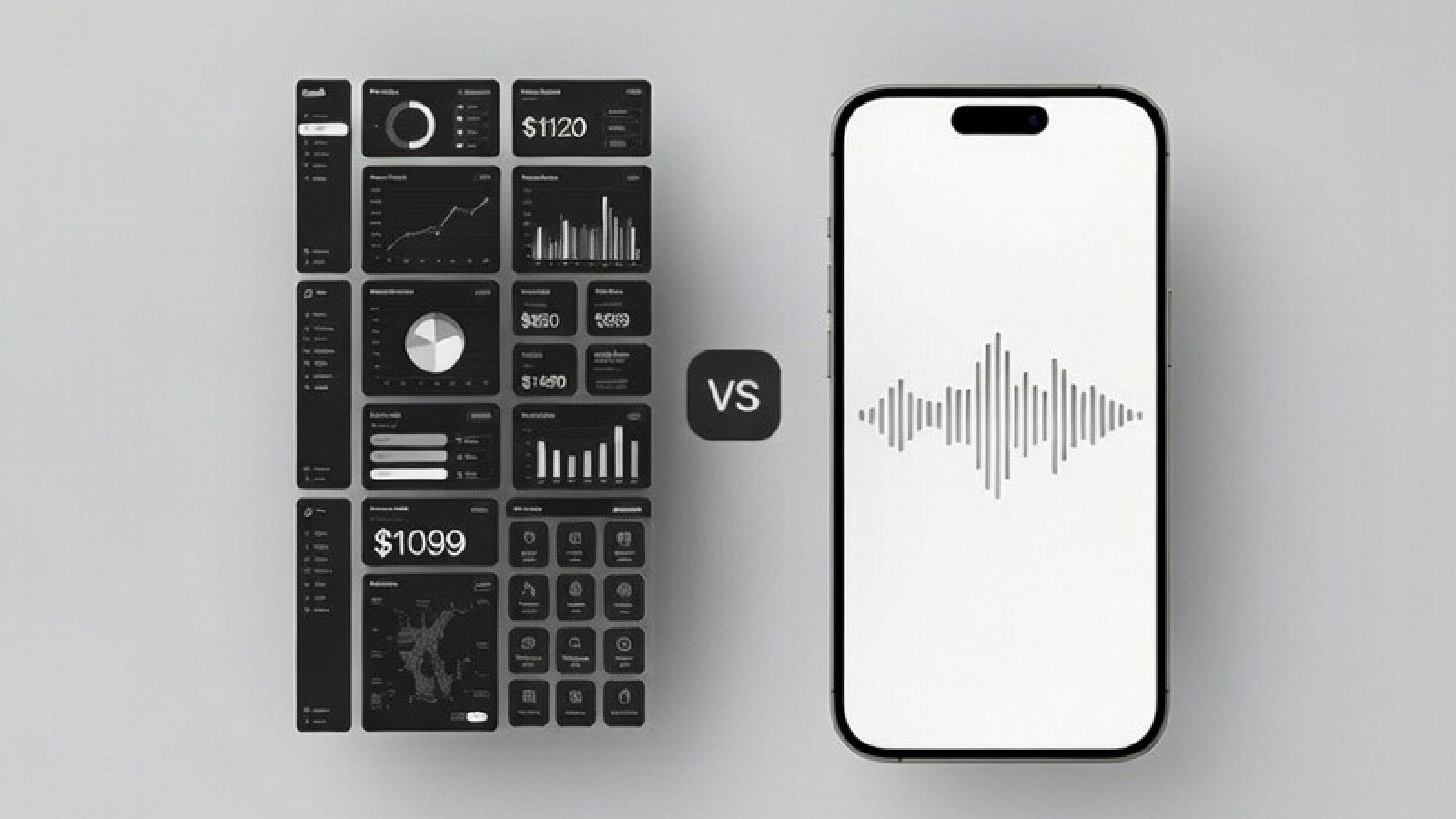
Jobber vs FloteAI: Which CRM Actually Works in the Field?
Logan Bell
Founder & CEO, FloteAI
TL;DR: Jobber costs $2,028-4,188/year for teams (typing-first, comprehensive desktop features, client portals). FloteAI costs $468-948/year for 1-15 users (voice-first, captures job details in 30 seconds vs 8-12 minutes typing). Jobber wins for office management. FloteAI wins for field workers who want their evenings back. Savings: $1,560-3,240/year with FloteAI.
Jobber vs FloteAI: Which CRM Actually Works in the Field?
Here's the question I wish someone had asked me before I built FloteAI:
"If you're covered in grease, standing in a crawl space with no cell signal, and you just found three upsell opportunities you need to remember—which CRM actually helps you?"
Not which one has the prettiest dashboard. Not which one has 47 different report types. Which one captures the job details right now, in the field, without forcing you to type on a tiny keyboard with dirty hands.
That's the real test. And it's where the Jobber vs FloteAI comparison gets interesting.
Let me be clear: Jobber is excellent software
Jobber has been around since 2011. They've built a comprehensive field service management platform that thousands of contractors rely on daily. They have a polished mobile app, a solid desktop interface, and enough features to run your entire business.
If you're comparing Jobber to paper and spreadsheets, Jobber wins. No question.
But we built FloteAI because we saw contractors spending their evenings typing job details into Jobber, HouseCall Pro, ServiceTitan, or whatever CRM they'd chosen. The software was great—but the data capture method was still stuck in 2010.
Let me show you the actual differences.
How Much Does Jobber Actually Cost in 2025?
Jobber's pricing is public1, which I appreciate. Here's what you'll actually pay:
Individual Plans (Solo Contractors)
- Core: $39/month (or $29/month annual) - 1 user
- Connect: $119/month (or $72/month annual) - 1 user
- Grow: $199/month - 1 user
Team Plans
- Connect Teams: $169/month - up to 5 users
- Grow Teams: $349/month - up to 10 users
- Plus: $599/month - up to 15 users
- Additional users: $29/person/month beyond plan limits
Hidden Costs
- Payment processing: 2.9% + $0.30 per credit card, 1% for ACH
- QuickBooks integration: Often requires higher-tier plans
- Advanced features: Route optimization, client portal features require higher plans
Real-World Examples:
- Solo contractor: $39-199/month = $468-2,388/year
- 3-person team: $169/month = $2,028/year
- 5-person team: $169/month + payment fees = $2,200+/year
- 10-person team: $349/month = $4,188/year
FloteAI Pricing (The Whole Story)
We deliberately kept this simple:
Crew Leader (1-5 users)
- $39/month or $32/month annual
- $384-468/year
- Everything included
- No per-user fees
- No payment processing fees
- No setup costs
- Cancel anytime
Fleet Commander (1-15 users)
- $79/month or $63/month annual
- $756-948/year
- Advanced features + integrations
- No per-user fees
- Cancel anytime
Real-World Examples:
- Solo contractor: $39/month = $468/year
- 3-person team: $39/month = $468/year (same price!)
- 5-person team: $39/month = $468/year (same price!)
- 10-person team: $79/month = $948/year
For a 5-person team: Jobber costs $2,200/year. FloteAI costs $468/year. You save $1,732.
Side-by-Side Pricing Comparison
| Team Size | Jobber Annual Cost | FloteAI Annual Cost | Annual Savings |
|---|---|---|---|
| Solo contractor | $468-2,388 | $468 | $0-1,920 |
| 3-person team | $2,028 | $468 | $1,560 |
| 5-person team | $2,028 | $468 | $1,560 |
| 10-person team | $4,188 | $948 | $3,240 |
Note: Jobber prices exclude payment processing fees (2.9% + $0.30 per transaction)
Which CRM Actually Works Better in the Field?
Pricing matters, but here's what actually matters more: How do you capture job details when you're working?
Scenario: You just finished an HVAC service call
You found:
- The capacitor is failing (needs replacement in 2-3 months)
- Ductwork has visible gaps (estimate for sealing)
- Customer mentioned their water heater is 15 years old
- They want a callback Tuesday afternoon for the estimate
- The furnace filter was last changed 8 months ago
With Jobber (Typing-First Workflow):
- Pull out your phone
- Open Jobber mobile app
- Navigate to the job
- Tap "Add Note"
- Type with thumbs: "capacitor failing needs replacement 2-3 months"
- Navigate to "Create Quote" for ductwork
- Type the details again
- Navigate to schedule callback
- Search calendar for Tuesday afternoon
- Navigate back to job notes
- Type: "water heater 15 years old, filter 8 months"
- Total time: 8-12 minutes of typing
What actually happens? You think: "I'll do this later when I get home."
Then you get home at 6 PM, exhausted, and spend 90 minutes trying to remember which customer had the failing capacitor and which one wanted the Tuesday callback.
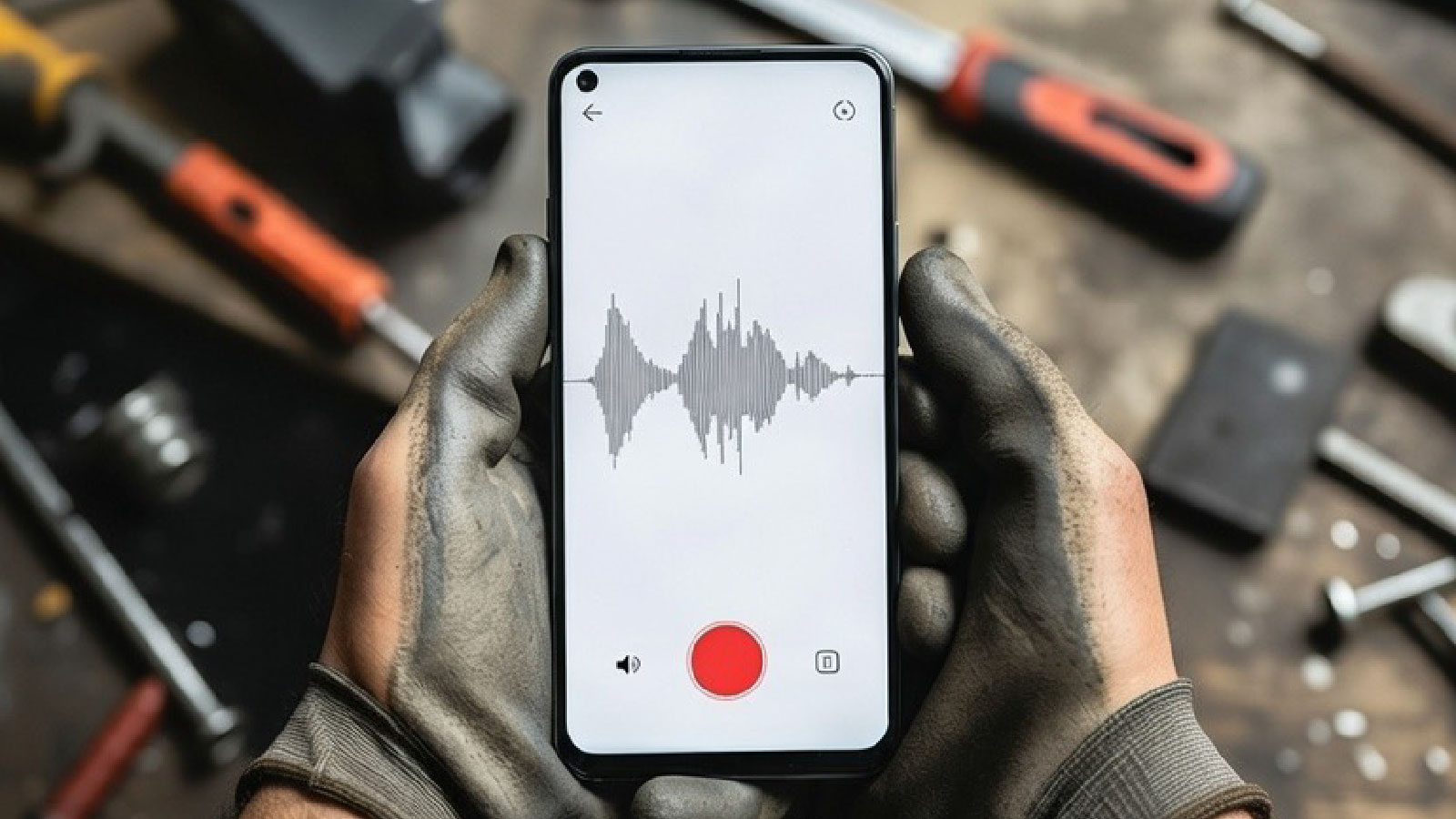
With FloteAI (Voice-First Workflow):
- Pull out your phone while walking to your truck
- Tap record
- Say: "Just finished the HVAC maintenance at 742 Oak Street. Capacitor is showing early signs of failure, recommend replacement in 2-3 months. Noticed significant gaps in the ductwork—customer wants an estimate for sealing. They also mentioned their water heater is 15 years old, might be a good upsell opportunity. Schedule a callback for Tuesday afternoon to discuss the ductwork estimate. Note: furnace filter hasn't been changed in 8 months, recommend 3-month intervals."
- Total time: 30 seconds
FloteAI automatically:
- Links everything to the correct customer
- Creates a follow-up task for the capacitor replacement
- Flags the ductwork estimate opportunity
- Schedules the Tuesday callback reminder
- Notes the water heater age for future reference
- Records the filter replacement cadence
You're home by 5:30 PM. No evening paperwork. No forgotten details.
Feature-by-Feature: The Honest Breakdown
Jobber Wins On:
✅ Comprehensive Desktop Experience
- Full-featured dashboard for office management
- Detailed reporting across jobs, revenue, technician performance
- Multi-view calendars (day, week, month, list)
- Drag-and-drop scheduling interface
When it matters: If you have dedicated office staff managing scheduling and dispatch, Jobber's desktop interface is powerful.
✅ Client Portal
- Customers can book appointments online
- Self-service scheduling reduces phone calls
- Branded client-facing experience
- Online quote approvals
When it matters: If you want clients to self-schedule and approve quotes without calling you.
✅ Built-In Invoicing & Payment Processing
- Professional invoices sent automatically
- Collect payments via credit card or ACH
- Automated payment reminders
- QuickBooks integration (when it works)
When it matters: If you need an all-in-one system for invoicing and payment collection.
✅ Established Ecosystem
- 13+ years of development
- Extensive help documentation
- Active user community
- Third-party integrations
When it matters: If you want a proven platform with lots of support resources.
FloteAI Wins On:
✅ Voice-First Data Capture
- Speak job notes while driving: "Just installed a 3-ton Trane system at 123 Main. Customer wants ductwork quote. Schedule Tuesday follow-up. Equipment info: serial AH2024-5567."
- AI extracts: customer, address, equipment details, tasks, follow-ups automatically
- 3x faster than typing (you speak ~150 words/minute, type ~40 wpm on mobile)
- Works with dirty hands, gloves, or while driving
When it matters: If you spend 40+ hours per week in the field and <5 hours in the office.
✅ True Offline Functionality
- Record voice notes in basements with zero signal
- Everything syncs automatically when you reconnect
- Never lose job details because you were in a dead zone
- Perfect for rural areas, underground work, metal buildings
When it matters: If you work in crawl spaces, basements, rural properties, or anywhere with spotty cell coverage.
✅ Zero Learning Curve
- If you can talk, you can use FloteAI
- No training manuals or tutorial videos required
- New technicians start using it immediately
- One screen, one button, speak
When it matters: If your team hates learning new software, or you don't have time for 10+ hours of training.
✅ Flat Pricing (No Per-User Fees)
- $39/month for 1-5 users (same price whether you have 1 tech or 5)
- Add technicians without adding cost
- Predictable pricing as you grow
- No surprise bills
When it matters: If you're a growing business and don't want your software costs to balloon every time you hire.
✅ No Vendor Lock-In
- Cancel anytime, no contracts
- Export your data whenever you want
- No cancellation fees or hoops to jump through
- Try it risk-free for 14 days
When it matters: If you hate being locked into annual contracts with hefty cancellation penalties.
What Jobber Customers Actually Say (2025 Reviews)
I believe in showing you the unfiltered truth. Here's what real Jobber users are saying:
Common Complaints:
"The QuickBooks integration is a nightmare" Multiple contractors report the QuickBooks sync is unreliable. One reviewer: "The auto-sync between Jobber and QuickBooks Online doesn't always work."
"Pricing adds up fast" From December 2025 reviews: "Providing affordable rates for small businesses is out of the question... charges at an insane rate."
"Email delivery issues hurt our business" One contractor: "Over 60% of our estimates weren't being viewed by clients because emails are sent from a generic Jobber domain (jobbermail.com), which most clients ignore or never see."
"Payment processing problems" A serious complaint from 2025: "Jobber's system automatically refunded a $68,000 payment from a client, and Jobber's response was to suspend our account, locking us out of our entire customer database."
"Calendar sync is frustrating" Common complaint: "The Google Calendar sync only updates every 24 hours, forcing us to manage two separate calendars."
"Map/routing doesn't work well" User feedback: "The map function is very confusing... just shows stops without showing the exact route street by street."
What They Love:
"Easy to use and intuitive" Jobber's interface is clean and straightforward, even for non-tech-savvy team members.
"Great support team" Reviews consistently praise Jobber's support: "Support team responds quickly to complaints."
"Mobile app works well" When you have signal and time to type, the Jobber mobile app is functional and responsive.
The Real Question: Office-First or Field-First?
Here's the framework that actually matters:
Choose Jobber If:
- ✅ You have dedicated office staff managing scheduling
- ✅ You spend 20+ hours per week at a desk
- ✅ You need clients to self-schedule via online booking
- ✅ You want all-in-one invoicing and payment processing
- ✅ You're comfortable typing job notes on mobile
- ✅ You work in areas with reliable cell coverage
- ✅ Budget allows $2,000-5,000/year for software
Jobber is built for businesses with office operations. If you have someone managing the backend while techs are in the field, Jobber's comprehensive platform makes sense.
Choose FloteAI If:
- ✅ You spend 40+ hours per week in the field, <5 in the office
- ✅ You work in basements, crawl spaces, rural areas with poor signal
- ✅ You hate typing on mobile (especially with dirty hands)
- ✅ You spend 2+ hours every evening on paperwork
- ✅ You want to capture job details while driving between jobs
- ✅ You're a 1-15 person team focused on field work
- ✅ Budget is tight and you want to save $1,500-4,000/year
FloteAI is built for working contractors. If you're in the field 40 hours/week and just need to eliminate paperwork, voice-first is faster.
Side-by-Side Comparison
| Feature | Jobber | FloteAI |
|---|---|---|
| Pricing (3 users) | $169/month ($2,028/year) | $39/month ($468/year) |
| Pricing (10 users) | $349/month ($4,188/year) | $79/month ($948/year) |
| Data capture method | Typing on mobile/desktop | Voice recording |
| Offline functionality | Limited (some features work) | Full (record anywhere, auto-sync) |
| Learning curve | 5-10 hours training | Instant (if you can talk, you can use it) |
| Desktop dashboard | ✅ Full-featured | ❌ Mobile-first |
| Client self-scheduling | ✅ Online booking portal | ❌ Not yet |
| Built-in invoicing | ✅ Yes | ❌ Integrates with your existing system |
| Payment processing | ✅ Built-in (2.9% + $0.30 fee) | ❌ Use your existing processor |
| QuickBooks integration | ✅ Yes (reported as unreliable) | ⚠️ Roadmap |
| Time to capture job details | 8-12 minutes (typing) | 30 seconds (speaking) |
| Works in dead zones | ⚠️ Limited | ✅ Full offline mode |
| Perfect for | Office + field operations | Field-focused contractors |
Real ROI Calculation: 5-Person Team
Let's say you run a plumbing company with 5 technicians:
Jobber Total Cost (Year 1):
- Subscription: $169/month * 12 = $2,028
- Payment processing (assuming $200K revenue, 30% card payments): ~$1,740
- Year 1 total: $3,768
FloteAI Total Cost (Year 1):
- Subscription: $39/month * 12 = $468
- Payment processing: $0 (use your existing processor)
- Year 1 total: $468
Savings: $3,300 in year one
But here's the bigger ROI:
Time Savings:
- Each tech saves 10 minutes per job using voice vs typing
- 5 techs * 4 jobs/day * 10 minutes = 200 minutes saved daily
- 200 minutes * 20 work days = 4,000 minutes = 66.7 hours/month
- At $75/hour billable rate: $5,000/month in recovered time
Annual value of time savings: $60,000
Even if you only convert 10% of that recovered time into billable work, that's $6,000/year—plus the $3,300 you saved on software costs.
Common Questions Contractors Ask Me
Q: Can I migrate from Jobber to FloteAI?
Yes. Export your customer list from Jobber (CSV file), import to FloteAI. Takes about 20-30 minutes. We help with migration.
Q: Does FloteAI do everything Jobber does?
No. Jobber is a comprehensive FSM platform with scheduling, invoicing, payment processing, client portals, and reporting. FloteAI focuses on one problem: eliminating manual paperwork through voice.
Think of it this way:
- Jobber = Full-service restaurant (they do everything)
- FloteAI = Best burger joint in town (we do one thing exceptionally well)
Q: Can I use FloteAI alongside my existing tools?
Yes. Many contractors use FloteAI for field data capture and sync it with their existing invoicing, accounting, or CRM tools. FloteAI doesn't try to replace your entire tech stack—just the painful manual data entry part.
Q: What if my techs refuse to use it?
This is the most common fear, and the least common reality. FloteAI has a 92% adoption rate among field technicians because talking is easier than typing. Most techs start using it on day one without any training.
If someone can leave a voicemail, they can use FloteAI.
Q: Does Jobber have voice features?
Yes, Jobber added AI voice-to-text notes in 2025. But here's the difference: Jobber's voice feature transcribes what you say into a text field. FloteAI's AI understands what you say and automatically extracts customers, tasks, follow-ups, equipment details, and organizes everything for you.
Jobber voice: "Install 3-ton Trane at 123 Main, schedule Tuesday" → Text note you still need to manually process
FloteAI voice: Same input → Automatically creates customer record, equipment entry, and Tuesday follow-up task
Q: Which has better customer support?
Jobber has an established support team with live chat and phone support during business hours. FloteAI has email and chat support, typically responding within 2-4 hours. Jobber wins on support breadth; we win on speed of fixes (smaller team = faster product updates).
When You Actually Need Both
Here's a scenario where using both makes sense:
You're a 10-person HVAC company with:
- Office manager handling scheduling and invoicing (uses Jobber desktop)
- Technicians in the field capturing job details (use FloteAI voice)
- FloteAI syncs captured data into Jobber for invoicing
Why this works:
- Office staff gets Jobber's comprehensive dashboard
- Field techs use FloteAI's voice capture (way faster than typing into Jobber mobile)
- Best of both worlds
Cost: $349/month (Jobber) + $79/month (FloteAI) = $428/month = $5,136/year
This is still cheaper than adding more office staff to process handwritten notes or paying techs overtime to type job details every evening.
The Honest Bottom Line
Jobber is excellent software for businesses that operate like a business—office staff, established processes, comprehensive needs for scheduling, invoicing, and client management.
FloteAI is built for contractors who operate like contractors—40+ hours/week in the field, minimal office time, and a desperate need to stop spending evenings typing up job notes.
The question isn't "Which is better?" It's "Which fits how you actually work?"
If you're in the field all day and hate paperwork, voice-first data capture will change your life.
If you're running a more complex operation with office staff and need comprehensive FSM features, Jobber is a solid choice.
There's no wrong answer. It depends on your operation.
Want to see if voice CRM works for your business?
Try FloteAI free for 14 days. No credit card required. Cancel anytime.
If it saves you even 30 minutes per day, it pays for itself in the first week.
References
Logan Bell is the founder and CEO of FloteAI. He built FloteAI after watching hundreds of skilled contractors spend their evenings typing job notes instead of spending time with their families. This comparison reflects his honest assessment of both platforms as of January 2025.
Footnotes
-
Jobber pricing from Jobber's official pricing page (January 2025). All pricing accurate as of publication date. ↩